
Seedream 5.0 Pro Prompts
ByteDance’s image model on Labnana — generation plus region-level editing that leaves the rest of the frame untouched.
- Region-level editing
- Native Chinese instructions
- Reference-guided generation
- 1K and 2K output
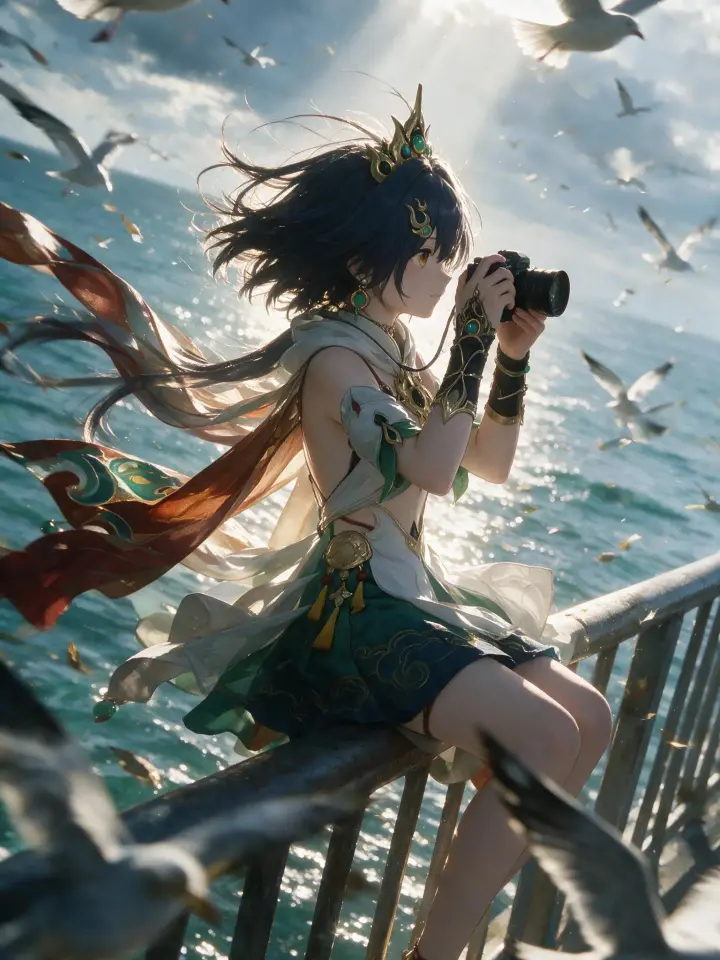
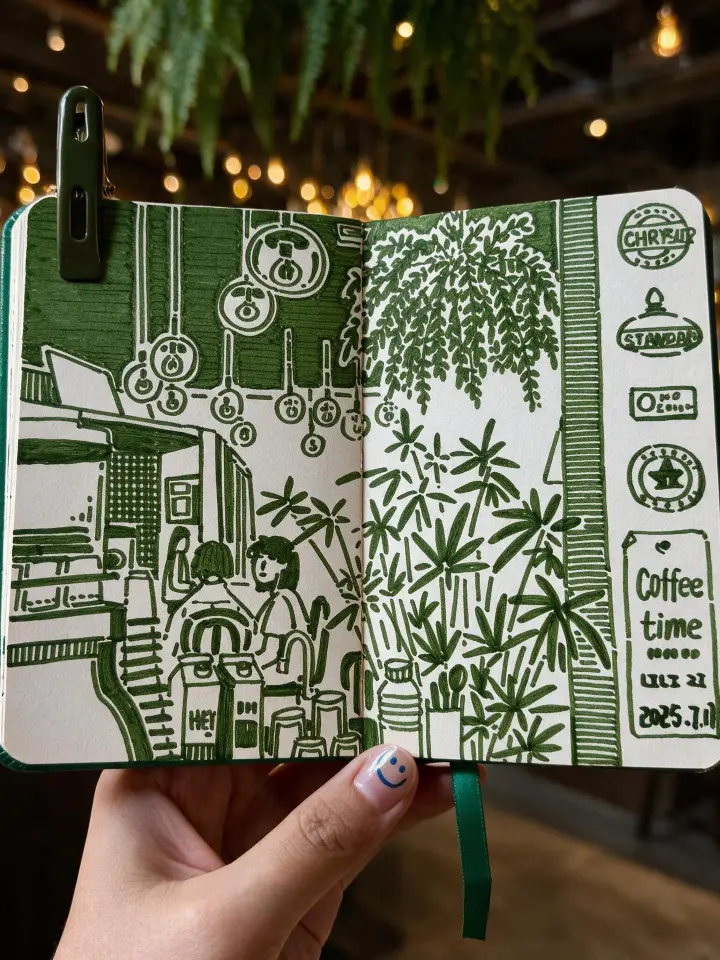
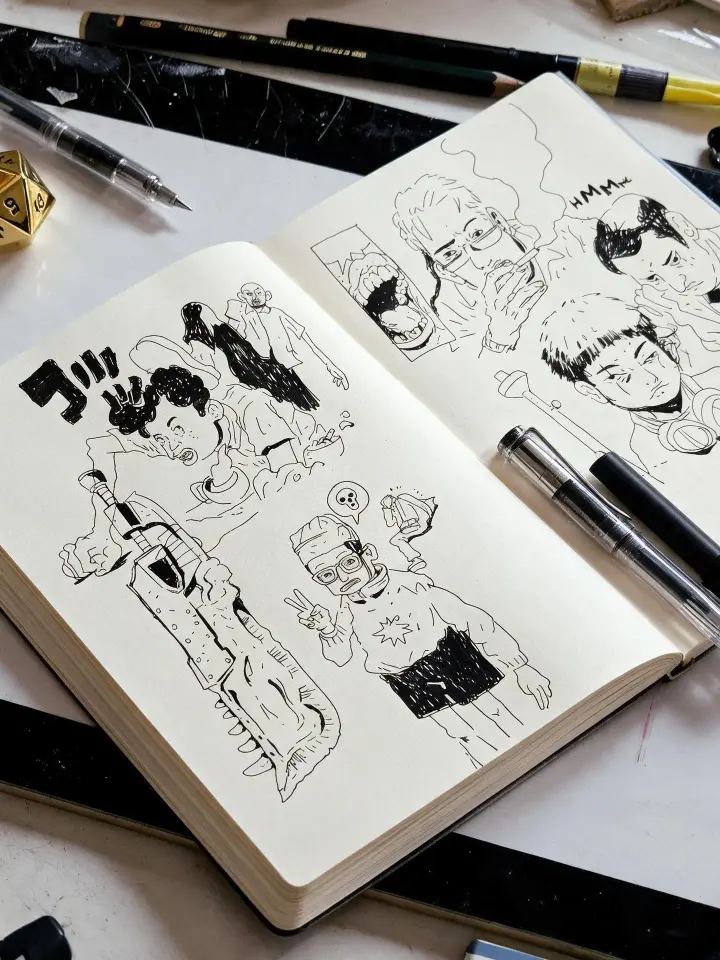
Seedream 5.0 Pro is ByteDance’s image model, available on Labnana for standard text-to-image and image-to-image work and for precise editing — revising a marked region of a finished image instead of regenerating the whole frame.
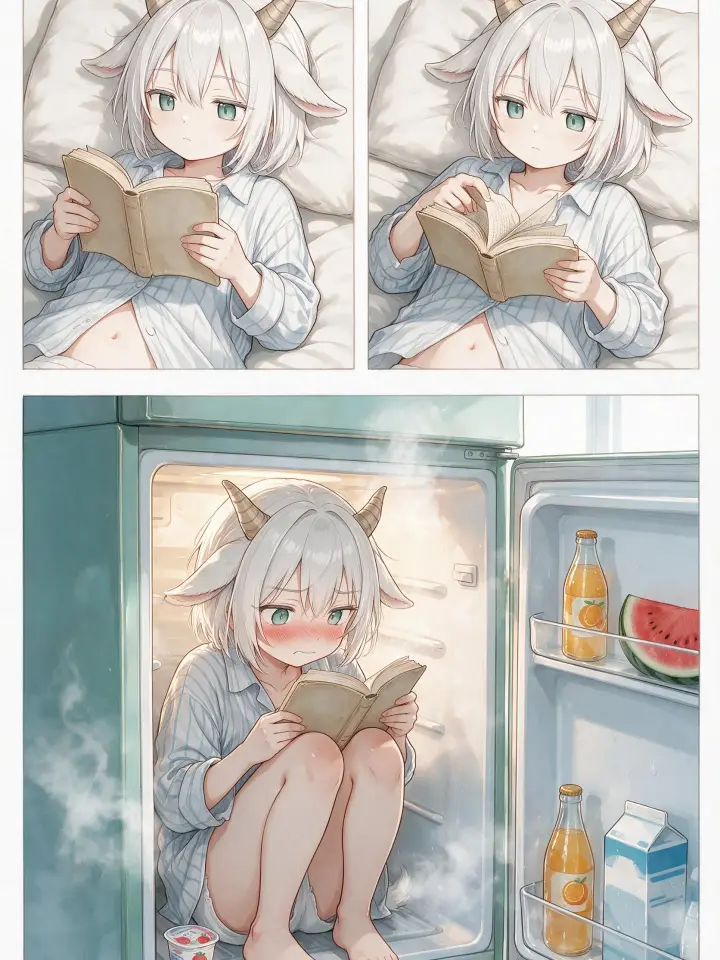
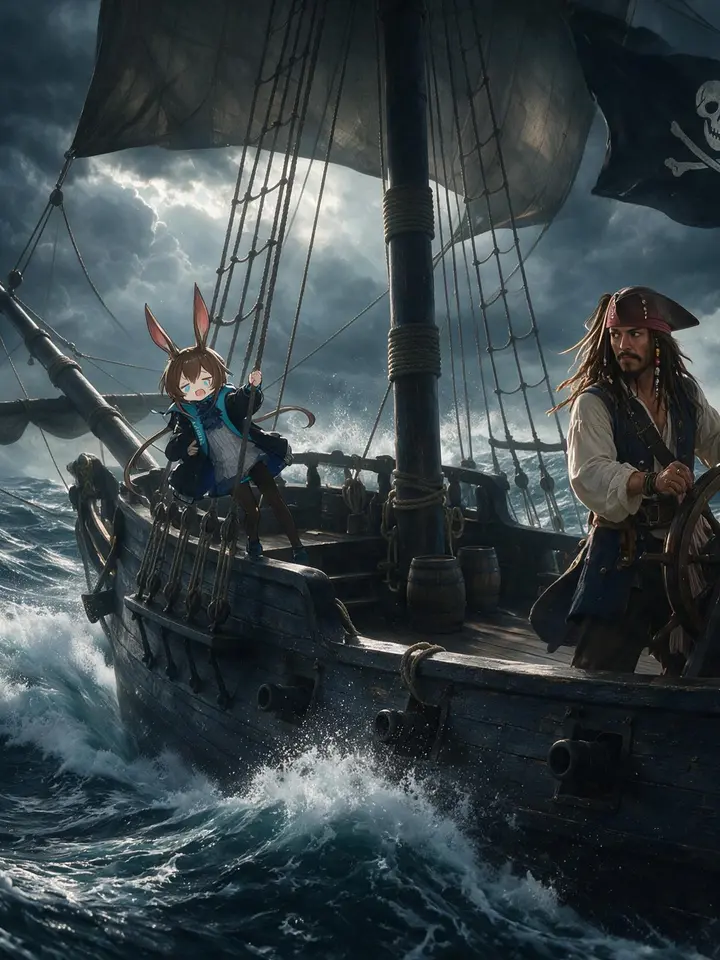
The prompts below come from published Seedream 5.0 Pro generations, each shown with the image it produced. Load one into the generator at the top of the page and it runs on Seedream with the original parameters intact.
Using Seedream 5.0 Pro on Labnana
Text-to-image and image-to-image
Select Seedream 5.0 Pro under ByteDance in the model dropdown and attach up to 5 reference images per generation to carry a subject, product, or style into the new scene.
Region-level editing on any image you own
Open an image, choose Edit Image, and mark the areas to revise. Every image edit on Labnana runs on Seedream 5.0 Pro — no other model on the platform performs region-level revision.
Chinese instructions handled natively
Seedream interprets Chinese instructions directly, which is why the editing flow issues them in Chinese. Standard generation accepts English prompts as usual.
Resolution and aspect ratio
1K and 2K across ten ratios from 1:1 to 21:9. Seedream has no 4K tier; specify Nano Banana Pro, Nano Banana 2, or GPT-Image-2 on a paid plan when 4K output is required.
Free quota on Seedream 5.0 Pro
Seedream 5.0 Pro carries no model-specific free allowance — it bills against universal credits, which a free account accrues from the daily check-in.
- Model-specific quota
- None — universal credits only
- Daily check-in
- 5 universal credits, usable on any model
- Resolution range
- 1K and 2K, both available on the free plan — there is no 4K tier to gate
- Cost visibility
- The exact credit cost is shown on the generate button before the run
- Precise editing
- Billed as a standard generation — one edit produces one image
For a standing free allowance rather than credits, Nano Banana Pro is the model to use: 2 generations on sign-up and +1 from each daily check-in.
Precise editing: revise a region, preserve the frame
Most image models regenerate the entire frame when asked for a change, and the parts you wanted to keep come back different. Seedream 5.0 Pro accepts coordinates, so Labnana can specify exactly which region to revise — background, lighting, and the remaining subjects stay as they were.
This is the mechanism behind Edit Image on every Labnana image detail page, and the reason a finished generation is a working state rather than a final artifact.
- 1
Mark the regions
Open an image you own, choose Edit Image, and place up to 5 markers on the areas to revise.
- 2
State the change per marker
Give each marker one instruction — replace the object, change the colour, remove it. Labnana converts each marker into pixel coordinates and writes them into the prompt.
- 3
Compare versions
The result is filed under Versions on the same image, so the original stays available and further edits can branch from whichever version you choose.
Edit output follows the source image at 1K or 2K. Editing an image you do not own produces a separate new image rather than a version on someone else’s.
Trending Seedream 5.0 Pro Prompts
Ranked by current engagement across published Seedream 5.0 Pro generations.



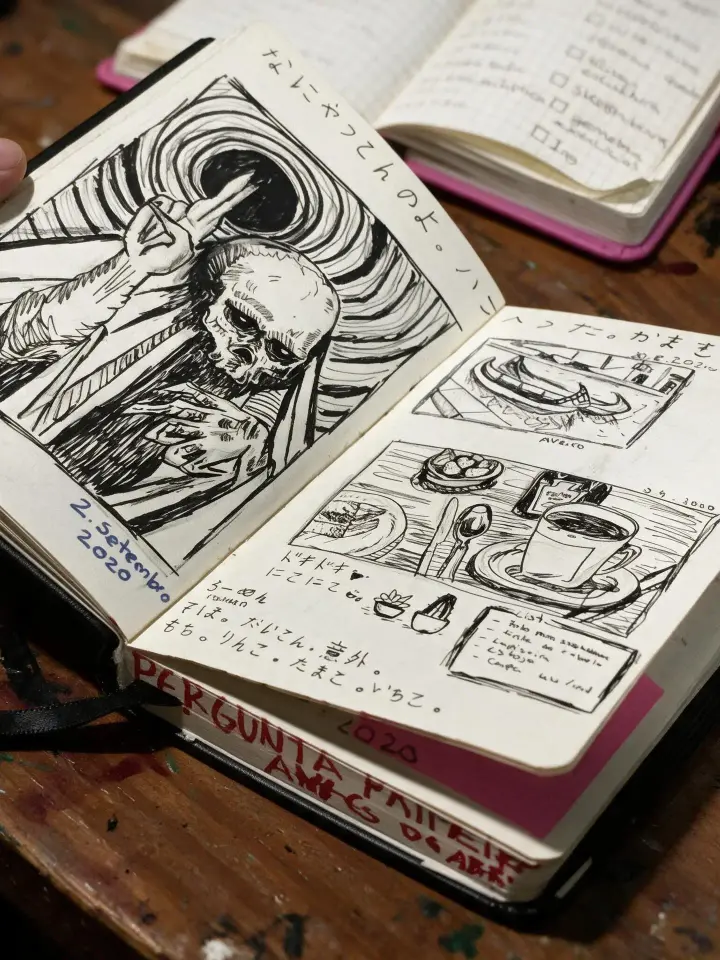

How it works
Start from a verified result
Each card pairs a published Seedream 5.0 Pro image with the prompt that produced it.
Load it into the generator
Generate pre-fills the prompt and switches the model to Seedream 5.0 Pro. The raw text can also be copied for use elsewhere.
Revise instead of re-rolling
When one element is wrong, open the image and edit that region rather than re-running the whole prompt and losing what already worked.
About Seedream 5.0 Pro and Prompts
This library indexes Seedream 5.0 Pro generations published on Labnana together with their prompts — verified output rather than prompt suggestions, so the model can be evaluated before any credits are spent.
Seedream 5.0 Pro is ByteDance’s image model. On Labnana it performs standard text-to-image and image-to-image work alongside the other models, and it powers Edit Image, where a marked region of a finished picture is revised in place. It is also available through the Labnana API.
Generate with Seedream 5.0 Pro
Compare with another model
Other models on Labnana
All modelsFrequently asked questions
Start with Seedream 5.0 Pro
Load any prompt on this page, then revise the result region by region instead of starting over.