
Wan 3.0 Video Model
Alibaba’s Wan 3.0 on Labnana — the longest clips here, and they arrive with their own sound.
- Sound rendered with the picture
- Clips from 2 to 30 seconds
- 480p, 720p and 1080p
- First and end frame
Wan 3.0 is Alibaba’s video generation model, available on Labnana in two tiers that take identical inputs. Both render two to thirty seconds at 480p, 720p or 1080p across five aspect ratios, and both generate sound in the same pass as the picture instead of leaving you to lay a track underneath. Prime is the faster tier: the same capabilities, a shorter wait.
Thirty seconds is what separates it from the rest of the picker — Seedance 2.0 stops at fifteen. It also accepts a first frame and an end frame, so a shot can be pinned at both ends, and reads prompts of up to 2,500 characters.
Examples

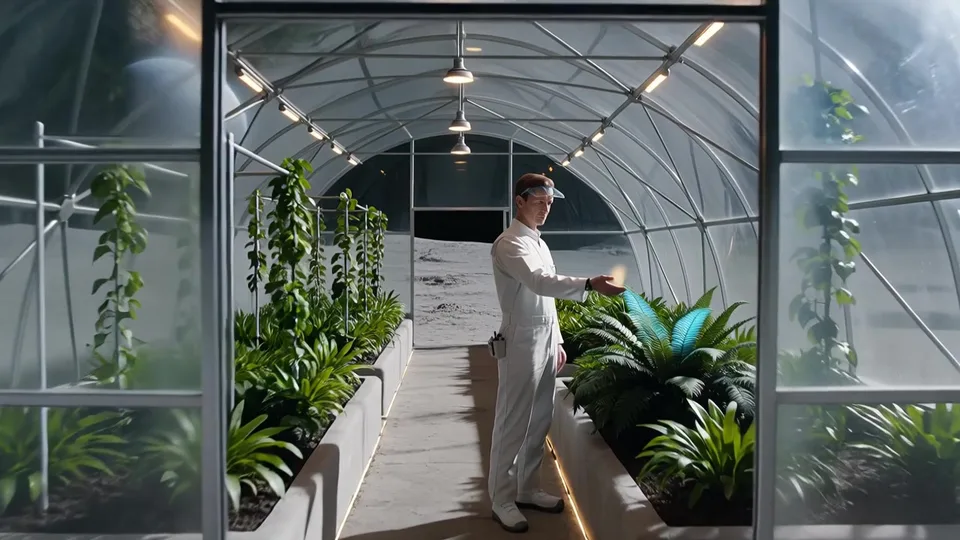
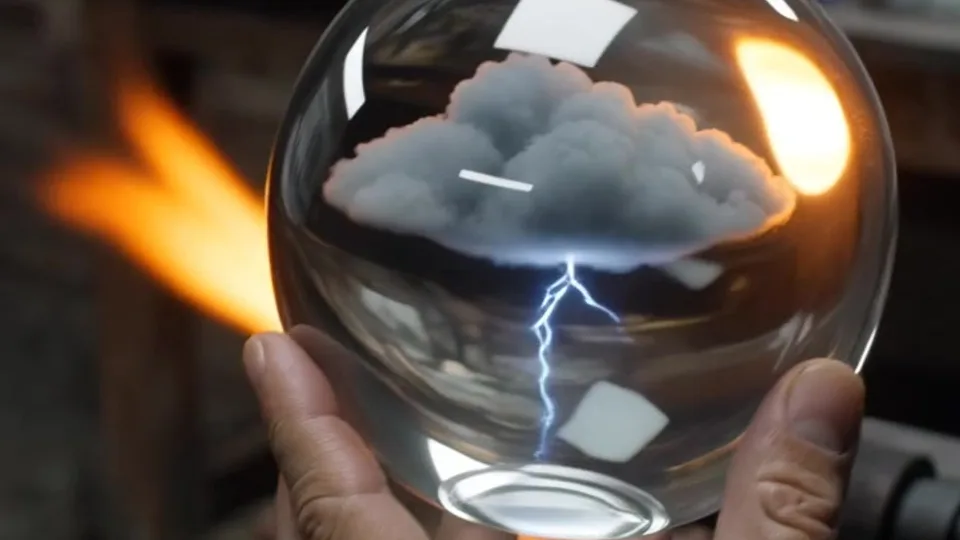
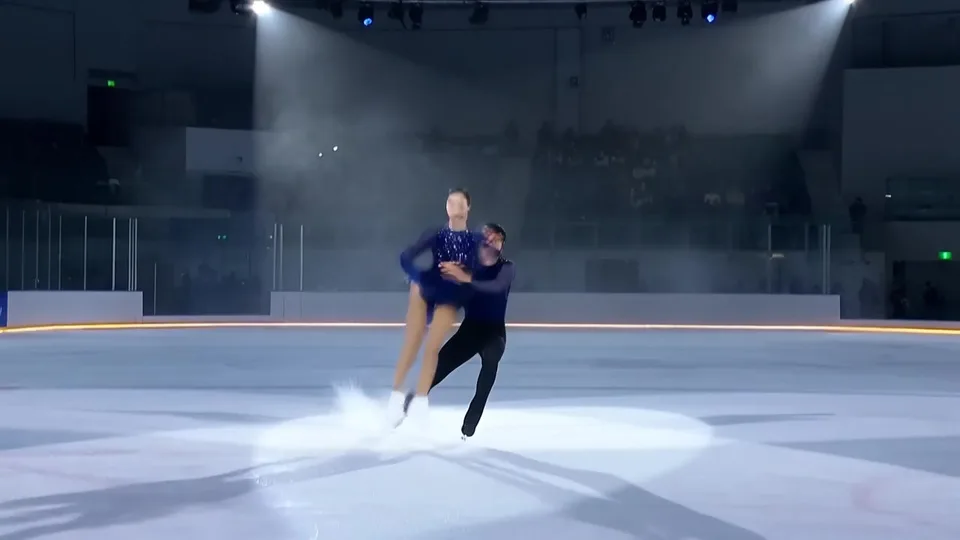
What you can do with Wan 3.0 on Labnana
01
Go past fifteen seconds
Wan 3.0 is the only model here that reaches thirty seconds, so a scene with an opening, a turn and an ending fits in one generation instead of being stitched together from two clips that never quite match.
02
Get the sound in the same pass
Audio is generated alongside the picture, so the clip lands with its own ambience and motion sound rather than needing a track found and synced afterwards.
03
Pin both ends of the shot
Upload a first frame and an end frame and the model fills in the movement between them. Give it only a first frame and it decides how the shot resolves.
04
Iterate on Prime, deliver on either
Prime carries the same resolutions, ratios and durations as the standard tier and returns sooner, which makes it the one to iterate on. Switching tiers keeps your prompt and your uploads.
Wan 3.0 tiers at a glance
The generator filters itself to whatever the selected tier supports. Credit cost depends on tier, resolution and duration, and is shown live before you submit — so it is not duplicated here.
| Tier | Duration | Resolution | Aspect ratios | End frame | Prompt limit | Best for |
|---|---|---|---|---|---|---|
| Wan 3.0Alibaba | 2–30s | 480p / 720p / 1080p | 5 (16:9, 4:3, 1:1, 3:4, 9:16) | Supported | 2,500 characters | Long clips, shots that need sound |
| Wan 3.0 PrimeAlibaba | 2–30s | 480p / 720p / 1080p | 5 (16:9, 4:3, 1:1, 3:4, 9:16) | Supported | 2,500 characters | The same output on a shorter wait |
How it works
1
Pick the scene first
Text to video if a sentence is all you have, image to video if you have a still to animate, reference to video if a particular subject has to stay recognisable through the shot.
2
Set the length before the prompt
A five-second clip and a thirty-second one need different direction. Choose the duration first, then write enough beats to fill it — an under-directed thirty seconds drifts.
3
Change one thing per run
Hold the prompt and switch tier, or hold the tier and rewrite one clause. Moving both at once leaves you unable to say which change did the work.
Compare with another model
Where to use Wan 3.0
All modelsAll three video scenes run on Wan 3.0 and Wan 3.0 Prime. They differ in what you bring to them.
Video generation on Labnana · Seedance 2.0 / Wan 3.0AI Video GeneratorGenerate a clip from a written prompt, or supply reference images, a reference clip or a first frame so the subject, the motion and the opening frame follow your own material. Both modes run in the same composer.
Seedance 2.0 · ByteDanceSeedance 2.0 Video ModelByteDance’s video model on Labnana, in two tiers — Pro for the render you keep, Fast for the drafts that get you there.
MiniMax H3 · MiniMaxMiniMax H3 Video ModelThe one model here that will not hand you a silent clip — H3 generates stereo sound as part of the picture, not after it.
Frequently asked questions
Thirty seconds, with sound
Write the shot, set the length, and leave the page while it renders.