
GPT-Image-2.5
OpenAI’s September 2026 image model, shipped as two: Flare for everyday work, Sunburst when the edit has to be exact.
- Flare and Sunburst
- Precise editing
- Subject preservation
- Transparent backgrounds
- Up to 4K


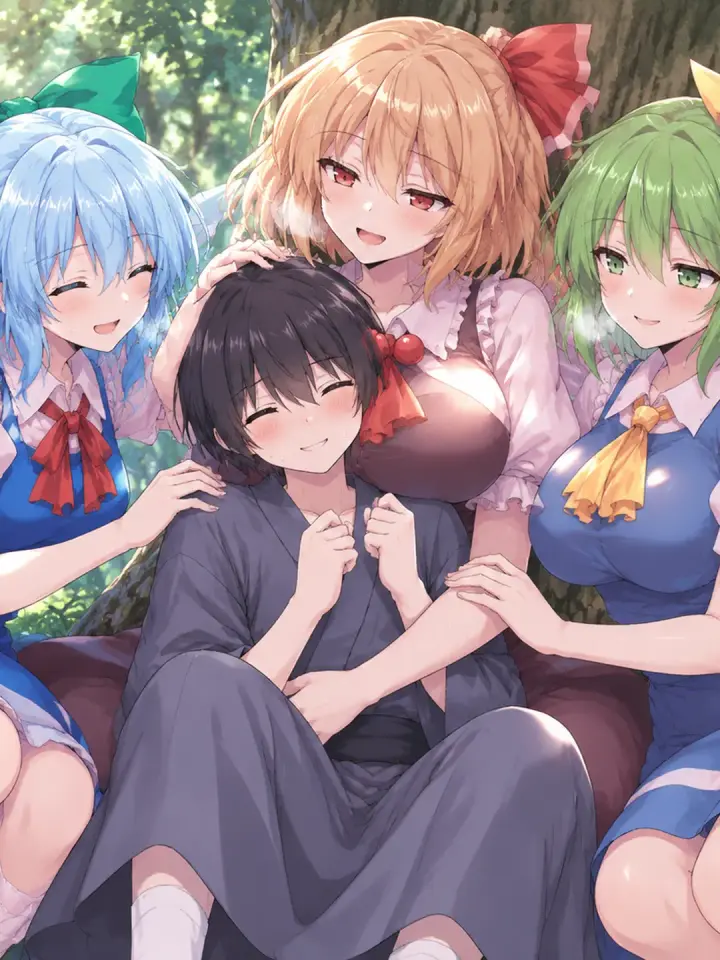
OpenAI released GPT-Image-2.5 on 8 September 2026. The name covers two API models — gpt-image-2.5-flare and gpt-image-2.5-sunburst — and picking between them is the first decision anyone using it has to make. Both are available as Stable variants on Labnana, with credits estimated for the selected settings.
The prompts below came from published Labnana generations on these two models. Open one and select Generate to load it into the generator at the top of the page with the same tier and settings already selected.
Using GPT-Image-2.5 on Labnana
Pick the tier in the generator
Choose GPT-Image-2.5 Flare or GPT-Image-2.5 Sunburst with the Stable label in the model menu. Select Low, Medium or High quality, then check the credit estimate before generating.
Edit an image instead of describing it again
Attach the picture you want changed and write the change. OpenAI documents improvements in precise editing and subject preservation for both 2.5 models, which is what makes “same character, new setting” hold together rather than drift into a lookalike.
Reference images
Up to 4 reference images per generation on Labnana — a product shot, a character sheet, a palette — to hold a subject or a look steady across a series.
Resolution and aspect ratio
1K, 2K and 4K across ten ratios from 1:1 to 21:9. The generator hides whatever the selected model does not support, so an unsupported combination never reaches submit.
What it costs on a free account
GPT-Image-2.5 has no allowance of its own. It runs on universal credits, which a free account receives monthly and tops up through the daily check-in — so a free account can use it, just not on a dedicated quota the way Nano Banana Pro works.
- Dedicated free generations
- None — GPT-Image-2.5 has no model-specific allowance
- Universal credits
- Granted monthly on the free plan and topped up by the daily check-in; spendable on either tier
- Where the standing free quota sits
- Nano Banana Pro — 2 generations on sign-up, +1 per daily check-in
- Resolution range
- Low or Medium at 1K and 2K can use credits; High quality or 4K requires an active subscription
- Watermarking
- None, on free or paid plans
The credit estimate for your model, quality, resolution and reference images is shown before generation.
What changed since GPT-Image-2
GPT-Image-2 is not deprecated, and OpenAI still lists it as the replacement for the older GPT Image and DALL·E models. What follows is what 2.5 adds on top, taken from OpenAI’s own documentation.
Editing precision and subject preservation
OpenAI’s image prompting guide states that both 2.5 models “offer improvements in precise editing and subject preservation”. It is the headline claim for this release and the reason to reach for 2.5 when you are changing an existing image rather than starting from nothing.
Transparent backgrounds, out of preview
Both 2.5 models support opaque and transparent backgrounds outright, where GPT-Image-2 has that support in preview. Transparency needs a PNG or WebP output, because a JPEG has no alpha channel for the setting to write into.
Two quality settings above the old ceiling
The API adds xhigh and max on top of the earlier low / medium / high. OpenAI cautions to “use xhigh or max only when they improve an unmet quality requirement within your latency budget”. Labnana Stable variants offer Low, Medium and High quality, with Medium selected by default; xhigh and max are not available in this generator.
Larger, freer output sizes
The API takes arbitrary WIDTHxHEIGHT sizes with the ratio between 1:3 and 3:1, up to 3840×2160 — though OpenAI marks anything above 2560×1440 as experimental. On Labnana that surface is presented as the usual 1K / 2K / 4K tiers and ten named ratios, which is the same range expressed in a form you can pick from.
Flare or Sunburst
Both Stable variants use the same credit-estimation rules. Compare the estimate for your selected settings before each run.
Flare — the everyday one
OpenAI describes it as “the small model, optimized for speed, with image quality comparable to GPT Image 2”, and its model page as “fast, high-quality everyday image generation”. It is the default of the two and the sensible place to start.
Sunburst — the one for exact work
OpenAI calls it “the base model, optimized for quality, with higher image quality than GPT Image 2”, and its model page “our most capable model for image generation and editing”. Their guide says to choose it “for workflows where editing precision matters most”.
How to actually decide
Run the brief on Flare first. If the result is close but an edit has to land exactly — a face kept, a label unchanged, one object swapped — re-run it on Sunburst. Check the displayed estimate before each run.
Trending GPT-Image-2.5 Prompts
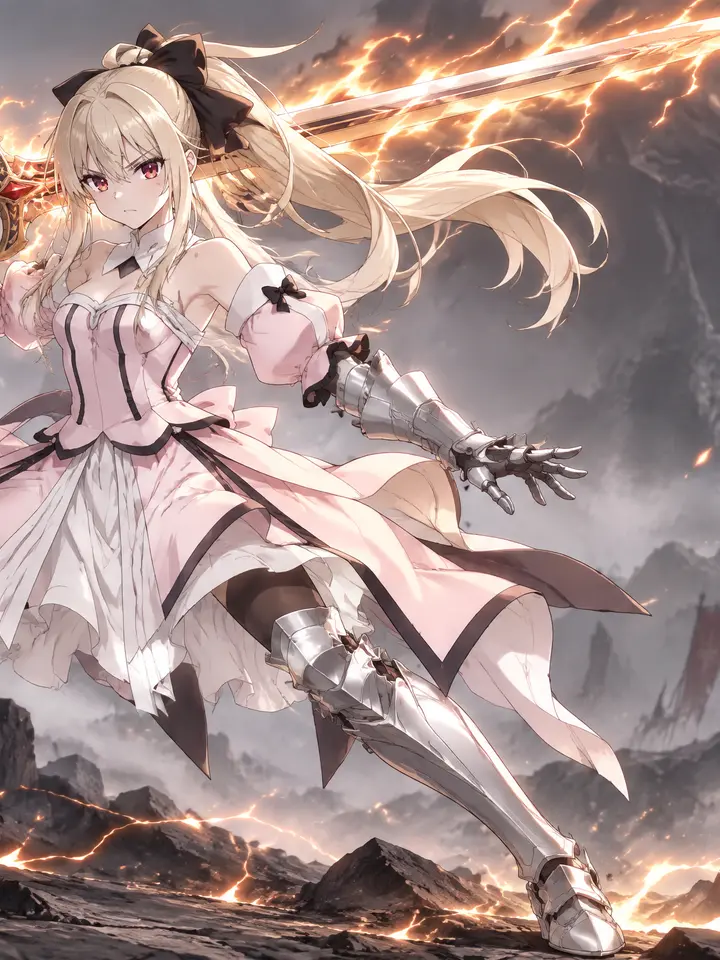
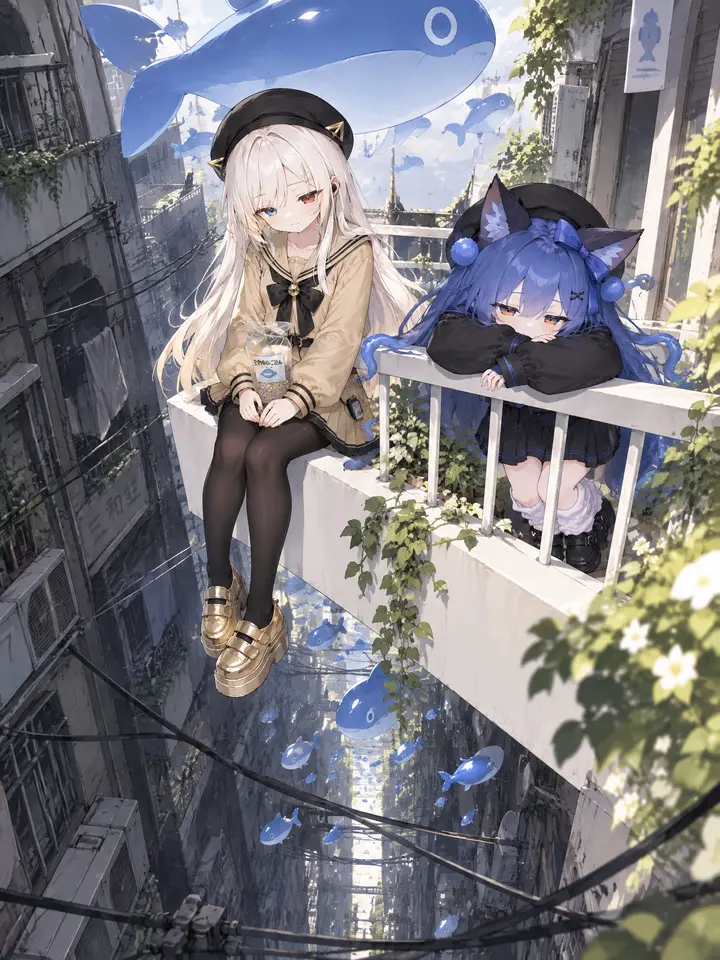
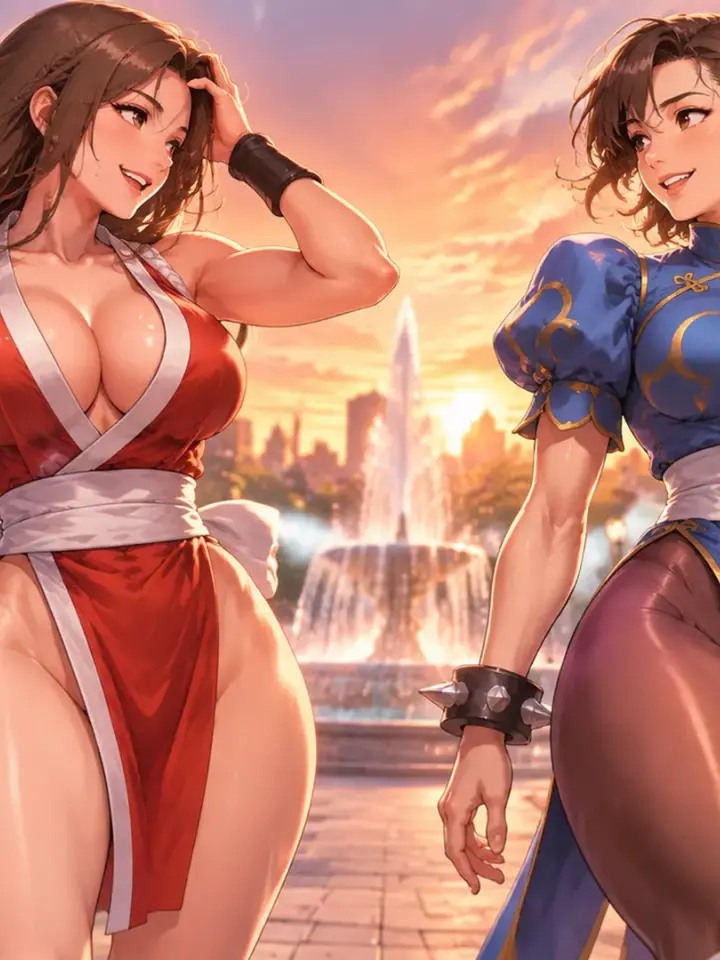
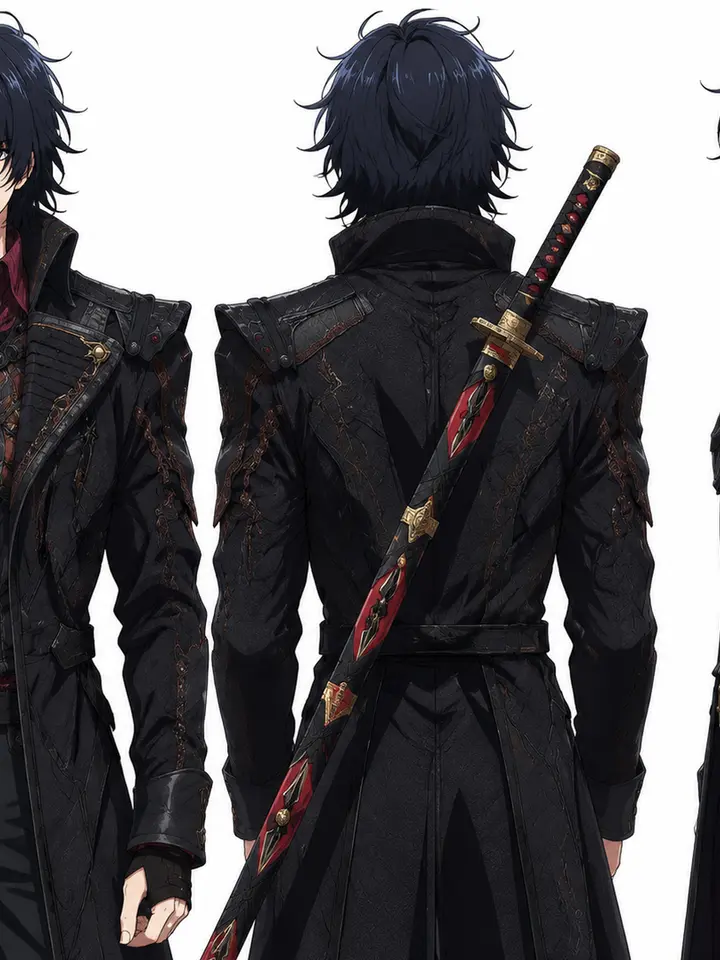
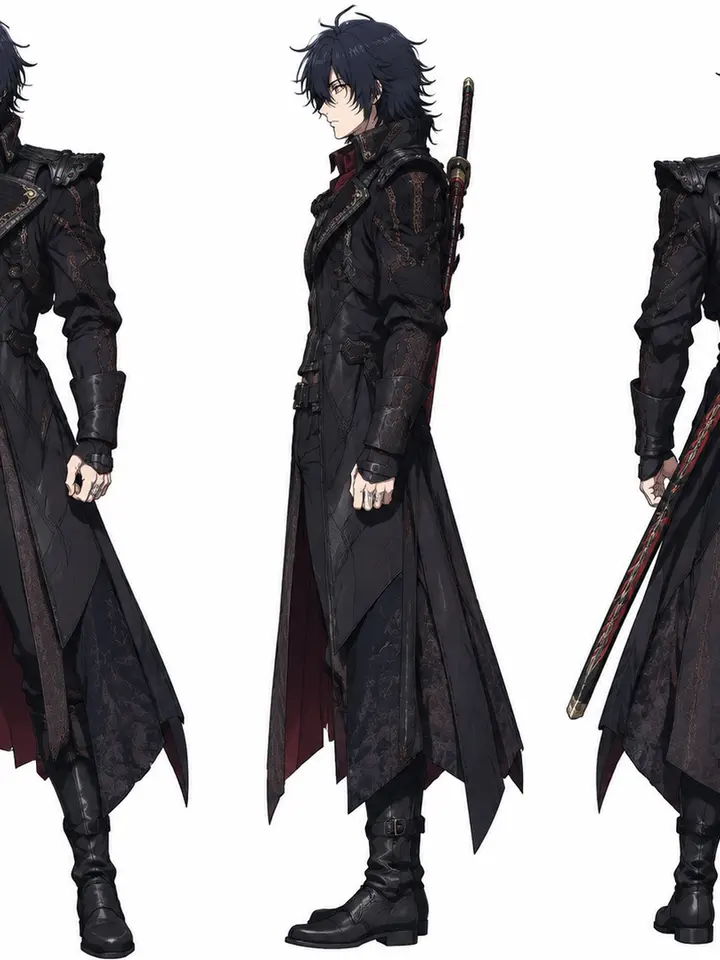
Ranked by current engagement across published GPT-Image-2.5 generations. Use the chips to see one tier at a time.


How it works
Start from a verified result
Each card pairs a published GPT-Image-2.5 image with the full prompt that produced it, and the chip tells you whether it came from Flare or Sunburst.
Load it into the generator
Generate pre-fills the prompt and selects the matching tier. The raw text can also be copied for use elsewhere.
Change one thing at a time
Run it unmodified first, then change a single element — the wording, the aspect ratio, a reference image, or the tier.
About GPT-Image-2.5 and Prompts
This page indexes GPT-Image-2.5 generations published on Labnana together with their prompts. Nothing here is written speculatively: if an image appears on this page, that exact text produced it.
GPT-Image-2.5 is OpenAI’s image generation and editing model, released on 8 September 2026 and exposed through the API as two separate models, gpt-image-2.5-flare and gpt-image-2.5-sunburst. There is no model called plain “gpt-image-2.5”; a request has to name one of the two.
Generate with GPT-Image-2.5
Compare with another model
Other models on Labnana
All modelsFrequently asked questions
Start with GPT-Image-2.5
Flare and Sunburst are both in the model menu, alongside GPT-Image-2, Nano Banana and Seedream 5.0 Pro. The same prompt runs on any of them.